How to Redeem Grow And Build Giants Codes
Find the Codes UI, paste cleanly, and confirm rewards without falling for fake lists.
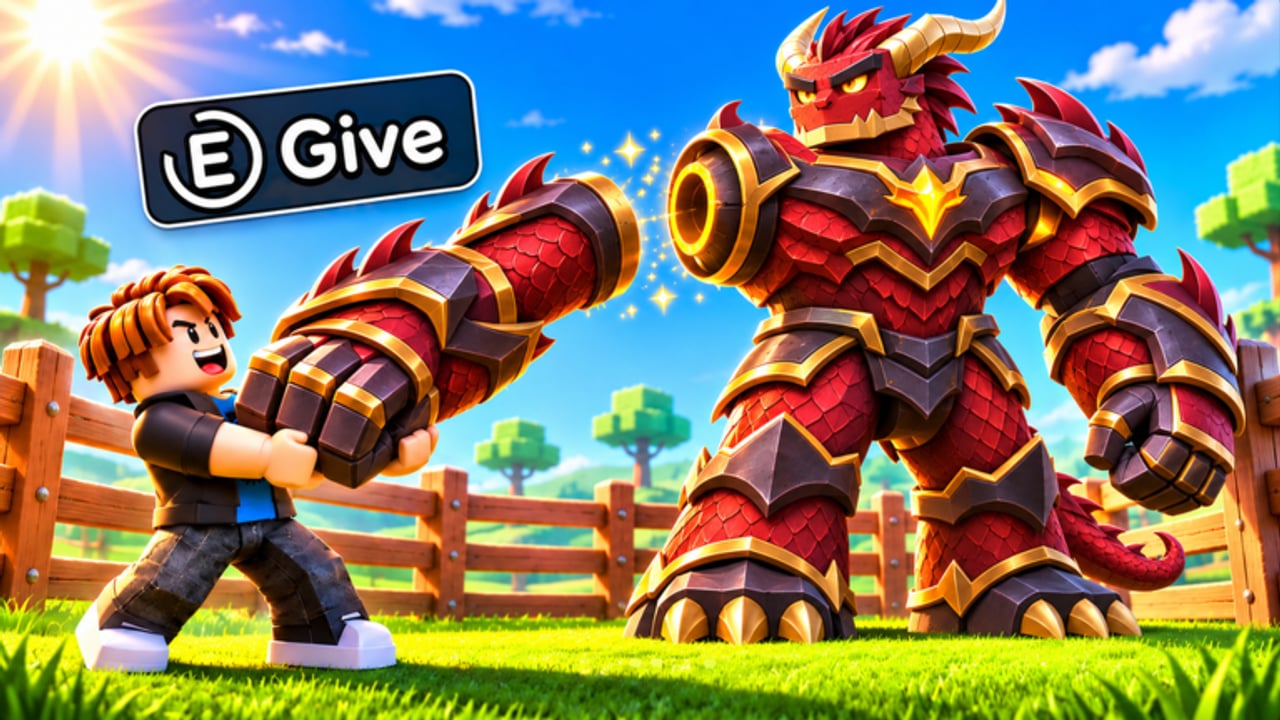
Redeeming Grow And Build Giants codes is simple once a Codes UI exists in your client—but Official Instinct has not always exposed a permanent ticket panel on day one of every update. This guide covers the common Roblox patterns used in simulation games, how to avoid failed redeems, and how to verify that a string actually belongs to this title before you waste time.
Reminder: as documented on the Codes Hub, there are no reliably verified active promo codes for Grow And Build Giants at the time of writing. Learn the redeem flow now so you can claim instantly when Official Instinct posts a real drop.
Before you open the game
- Confirm the code came from Official Instinct (group wall, Discord, or an in-game announcement)—not a random shorts comment.
- Copy the string into a notes app first. Watch for look-alike characters (O vs 0, l vs 1) and trailing spaces from chat embeds.
- Join the live place from the official game page so you are not in a renamed private copy.
- Finish any mandatory tutorial prompts; some UIs unlock only after the first orb feed or base unlock.
Where the Codes UI usually appears
Roblox incremental games rarely hide codes in the same place forever, but patterns repeat:
| Likely location | What to click |
|---|---|
| Settings / gear | Scroll for a Codes, Redeem, or Gift field |
| Shop / Store | Tab labeled Codes, Rewards, or Social |
| Ticket / gift icon | Side HUD button that opens a text box |
| Twitter / Discord promo panel | In-game social tab with a redeem line |
| Mail / inbox | Claim button that then asks for a code |
If none of these exist yet, the feature may be offline. Do not install third-party “auto redeem” executors—see the Scripts Hub for why that is a bad idea. Wait for Official Instinct to ship the UI, then return here.
Step-by-step redeem flow
- Launch Grow And Build Giants and load into a normal public server (max six players per the current design).
- Open the Codes panel using one of the patterns above.
- Click the text field, clear any placeholder text, and paste the code exactly as posted.
- Press Redeem / Submit / Claim. Wait for a success toast or inventory ping.
- Check cash, luck meters, inventory, and any boost timers. Feed orbs and Lucky Block currency may land in different bags than gems from Giant Battle.
- If nothing appears, leave to the Roblox home screen and rejoin once. Soft currency UI lag is common after grants.
Troubleshooting failed codes
| Symptom | Likely cause | What to try |
|---|---|---|
| Invalid / wrong code | Typo, wrong game, or expired string | Re-copy from Official Instinct; do not use ARCHITECH or other-title lists |
| Already redeemed | One claim per account | Stop retrying; check inventory again |
| No Codes button | Feature not live or locked behind tutorial | Progress early Getting Started steps, then recheck |
| Success text but no reward | UI delay or wrong bag | Rejoin; inspect boost timers and Lucky Block currency |
| Server lag / kick mid-redeem | Busy public server | Rejoin a quieter server and redeem again if the code still shows unused |
Never buy “code packs” from strangers. Official Instinct codes are free when they exist; paid lists are almost always scams or recycled from other games.
After a successful redeem
Spend rewards with intention. Early cash is best funneled into treadmill speed and reliable orb routes so you can feed your giant and open Lucky Blocks for pieces. Luck boosts pair well with block openings; timed income multipliers help before you invest in rarer aura or set pieces. If gems drop from a code, park them for Giant Battle rather than impulse cosmetics—see the Tier List Hub and best giants for progression roles.
Cross-link your plan:
- Still learning bosses, bats, and treadmill loops? Read Getting Started.
- Deciding which pieces to chase after a cash dump? Open best giants.
- Tempted by auto-farm tools that “redeem codes for you”? Read script features and safety first.
Staying safe while hunting codes
- Prefer Official Instinct channels over algorithm feeds that remix other simulators.
- Do not share your Roblox password, backup codes, or account cookies with “redeem bots.”
- Ignore Discord DMs that ask you to run a loadstring to “unlock all codes.”
- When this wiki lists a code in the future, it will include the source channel and status—not a mystery paste.
Master the redeem habit now, keep the Codes Hub bookmarked, and you will not miss the first real Official Instinct drop for Grow And Build Giants.
Frequently Asked Questions
Quick answers to the most common Grow And Build Giants questions.
I cannot find a Codes button. Is the game broken?
Not necessarily. Official Instinct may not have shipped a permanent Codes UI yet, or it may unlock after early tutorial steps. Check settings, shop, and ticket/gift icons, then watch the Official Instinct group wall for announcements.
Why does my code say invalid?
Most failures are typos, expired strings, or codes copied from a different Roblox game. Paste carefully from Official Instinct and never reuse ARCHITECH or unrelated simulator codes.
Can I redeem the same code twice?
Almost never. Promo codes are usually one claim per Roblox account. If it already redeemed, check inventory and boost timers instead of spamming submit.
The game said success but I see no reward. What now?
Rejoin once and inspect cash, luck, orb/egg bags, and gem counters separately. Some grants update after a short delay or land in a different inventory tab.
Is it safe to use a website that auto-redeems codes?
No. Do not give account access or run unknown executors for code claims. Redeem only inside the official Grow And Build Giants client.